
Coding
SQL Server 2012 introduced groundbreaking features that transformed database management, query performance, and cloud integration. These 10 game-changing tools will elevate your development workflow and optimize database operations for modern applications.
Columnstore Indexes for Massive Performance Gains

If you're drowning in massive datasets and slow analytical queries, SQL Server 2012's columnstore indexes might just be your lifeline. This game-changing feature completely redefines how data warehouses handle large-scale queries by storing data column-wise instead of row-wise, unlocking unprecedented performance.
The magic happens through 10x compression ratios and 100x faster query speeds for analytical workloads—ideal for environments processing terabytes of data. Unlike traditional rowstore indexes, columnstore indexes automatically batch data into vertical segments, reducing I/O operations and memory pressure. They work seamlessly with OLAP (Online Analytical Processing) scenarios, making them perfect for reporting, data mining, and business intelligence applications.
Data analysts and BI professionals will find this feature transformative, especially when dealing with fact tables containing billions of rows. The best part? It requires minimal application changes—just create the index, and SQL Server handles the rest. ✨
Contained Databases for Enhanced Security

Tired of managing complex server logins and metadata that tie databases to a single instance? SQL Server 2012’s contained databases solve this by letting each database operate independently with its own credentials and settings.
This feature eliminates the need for server-level logins, simplifying administration while boosting security. Each database can now have its own contained users and metadata, reducing attack surfaces in multi-tenant environments. No more recreating logins during migrations—just move the database, and everything stays intact.
Perfect for SaaS providers, hosting companies, or any organization managing multiple databases on a single server. Your security and scalability just got a major upgrade! ✨
AlwaysOn Availability Groups

If your applications demand 99.999% uptime and can't afford even a second of downtime, AlwaysOn Availability Groups in SQL Server 2012 is your safety net. This feature transforms high availability from a luxury into a standard by synchronizing data across multiple servers in real time, ensuring seamless failover when hardware or software issues strike.
With synchronous commit protocol, your primary and secondary replicas stay in perfect sync, minimizing data loss to just milliseconds. You can configure up to eight secondary replicas for read-scale workloads, and the built-in automatic failover ensures minimal manual intervention. The distributed transaction support extends reliability even further, making it ideal for financial systems, e-commerce platforms, or any mission-critical environment where downtime isn’t an option. ⚡
Sequence Objects for Simplified Number Generation

Tired of writing custom scripts just to generate sequential IDs? SQL Server 2012 introduced sequence objects, a game-changer that simplifies number generation with built-in, reusable logic. These native objects handle auto-incrementing values—like order IDs or timestamps—without requiring tables, triggers, or complex T-SQL.
With sequence objects, you gain precise control over increments (e.g., INCREMENT BY 5), starting values (START WITH 1000), and even cycles for reusable ranges. They integrate seamlessly with IDENTITY columns or standalone queries, reducing dependencies on application logic. Perfect for scenarios like audit trails or batch processing where gaps or overlaps must be avoided.
Developers building applications with auto-incrementing requirements—think inventory systems or transaction logs—will appreciate how sequences cut deployment time and simplify maintenance. No more debugging custom scripts! ✨
Contained User Migration for Streamlined Administration
Tired of manually recreating user logins every time you migrate databases between servers? SQL Server 2012’s contained user migration feature solves this headache by bundling logins with their databases—no more scripting or manual exports.
With this feature, you can move a contained database (including its users) to another instance with a simple ATTACH command. The database engine automatically creates matching logins, preserving permissions and reducing migration time from hours to minutes. It’s especially useful for multi-server environments where databases need frequent relocations.
Database administrators managing multi-tenant SaaS platforms or disaster recovery setups will appreciate how this eliminates the risk of broken connections post-migration. ⚡
Power View for Interactive Data Visualization
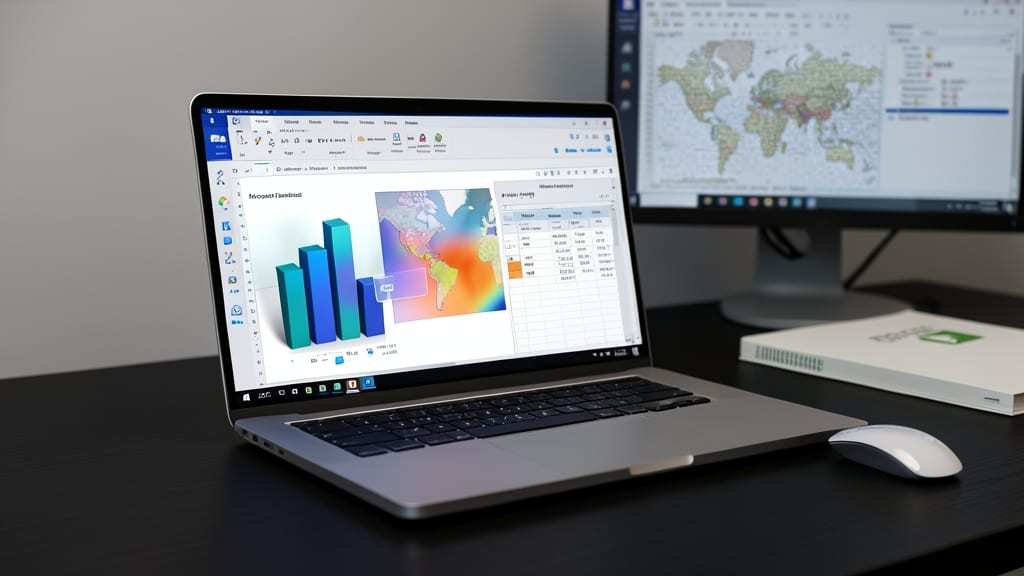
Tired of wrestling with separate BI tools just to create insightful reports? Power View bridges that gap by embedding interactive data visualization directly into Excel—no extra software needed. This game-changer lets you drag-and-drop fields into 3D charts, maps, and pivot tables with just a few clicks, turning raw data into actionable insights.
With real-time filtering and touch-friendly gestures, Power View transforms static spreadsheets into dynamic dashboards. It supports SQL Server Analysis Services (SSAS) data models, ensuring seamless integration with your existing BI infrastructure. The best part? You don’t need coding skills—just point, click, and explore.
Perfect for business analysts, marketers, and executives who want self-service analytics without IT bottlenecks. Dive into trends faster and share discoveries effortlessly—all within Excel. ✨
Windows Server Core Support
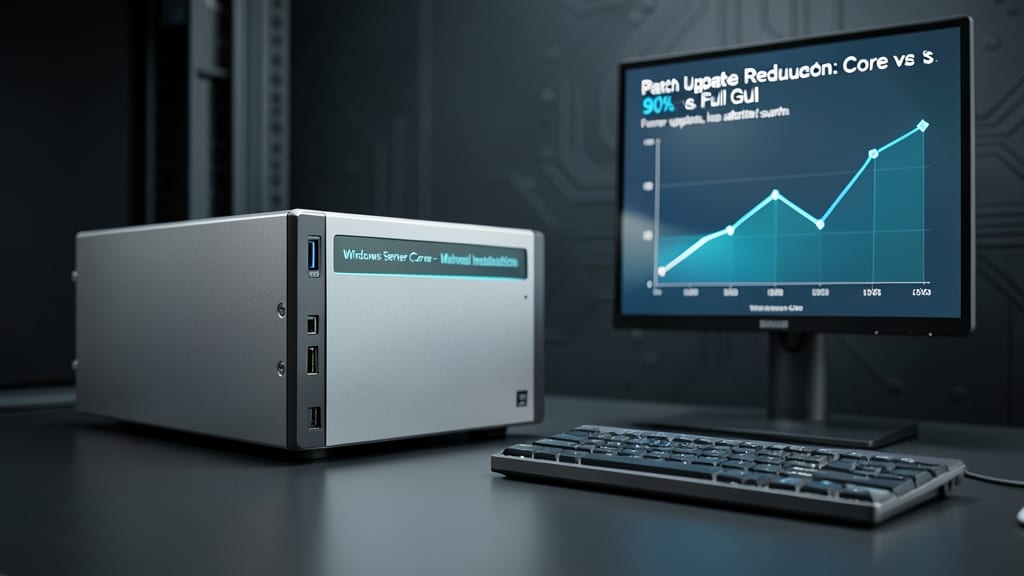
Tired of bloated server deployments eating up cloud resources? SQL Server 2012's Windows Server Core support lets you run SQL Server on a minimal Windows installation—just the core components you need. This means fewer updates, less attack surface, and up to 90% fewer patches compared to the full GUI version.
The lightweight deployment slashes memory usage by 30-40% while maintaining full SQL Server functionality. You still get AlwaysOn Availability Groups, contained databases, and all other SQL Server 2012 features—just without the overhead. Microsoft even optimized the installer to support zero-configuration deployments in cloud environments.
Cloud architects and DevOps teams will love this for containerized deployments or serverless setups. It’s the perfect choice when you need SQL Server’s power without the traditional footprint. 💻
SQL Server Data Tools Integration

Tired of juggling separate tools for database development and Visual Studio? SQL Server Data Tools (SSDT) bridges that gap seamlessly, embedding database project management directly into your IDE.
With IntelliSense for T-SQL, you get real-time code completion and error detection, while schema comparison tools let you sync changes between environments with a single click. Version control integration (including Git) ensures your database schema evolves alongside your application code—no more manual script exports or merge conflicts. The project-based workflow even supports unit testing for stored procedures, making CI/CD pipelines more robust.
This integration is a game-changer for teams using Visual Studio 2010/2012, especially those managing complex enterprise applications where database and application code must stay perfectly aligned. 💻
Contained Database Backup Compression
Storing backups used to mean bloated files and overflowing storage—until SQL Server 2012 introduced contained database backup compression. This feature shrinks backup files by up to 90% while keeping your data isolated and secure, making it ideal for organizations juggling large datasets without sacrificing security boundaries.
The magic happens through built-in compression algorithms that work seamlessly with contained databases, ensuring backups stay compact yet fully restorable. You can even apply compression without modifying your existing backup scripts, thanks to the WITH COMPRESSION option in BACKUP DATABASE. This means faster transfers, lower storage costs, and less hassle during recovery—all while maintaining the same security isolation as contained databases.
Perfect for multi-tenant environments or enterprises with strict storage budgets, this feature lets you keep backups lean without sacrificing security or performance. 💡
SQL Server 2012 AlwaysOn Failover Clustering

When downtime isn’t an option, SQL Server 2012 AlwaysOn Failover Clustering delivers enterprise-grade resilience by automatically redirecting traffic to healthy nodes during hardware failures. Unlike manual failover setups, this feature ensures near-instant recovery with minimal data loss—critical for financial systems, healthcare records, or e-commerce platforms where seconds matter.
The solution combines Windows Server Failover Clustering with SQL Server’s native clustering support, offering synchronous commit for transaction safety and automatic client redirection (no manual IP changes). It supports up to 16 nodes per cluster and integrates with AlwaysOn Availability Groups for hybrid high-availability scenarios. The zero-data-loss guarantee comes from transaction log shipping during failover, making it a game-changer for disaster recovery.
Ideal for IT teams managing mission-critical workloads, this feature eliminates the guesswork of manual failover planning while keeping costs lower than third-party solutions. 💪