
Tip & Trick
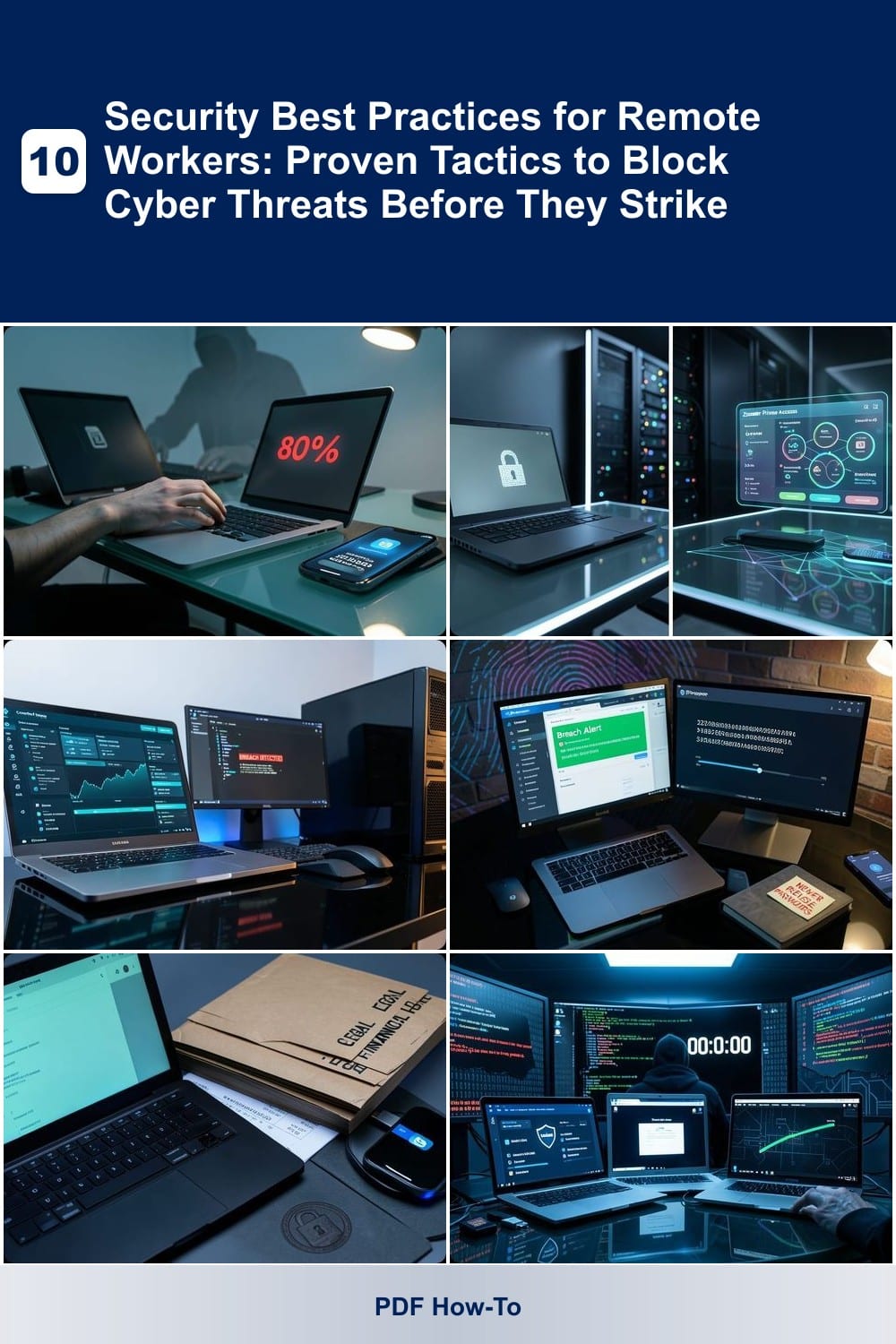
Remote work expands your digital footprint—but also your cybersecurity risks. These 10 proven security best practices will help you lock down devices, data, and networks before hackers exploit vulnerabilities, whether you're working from home, a café, or a co-working space.
Multi-Factor Authentication for Every Account
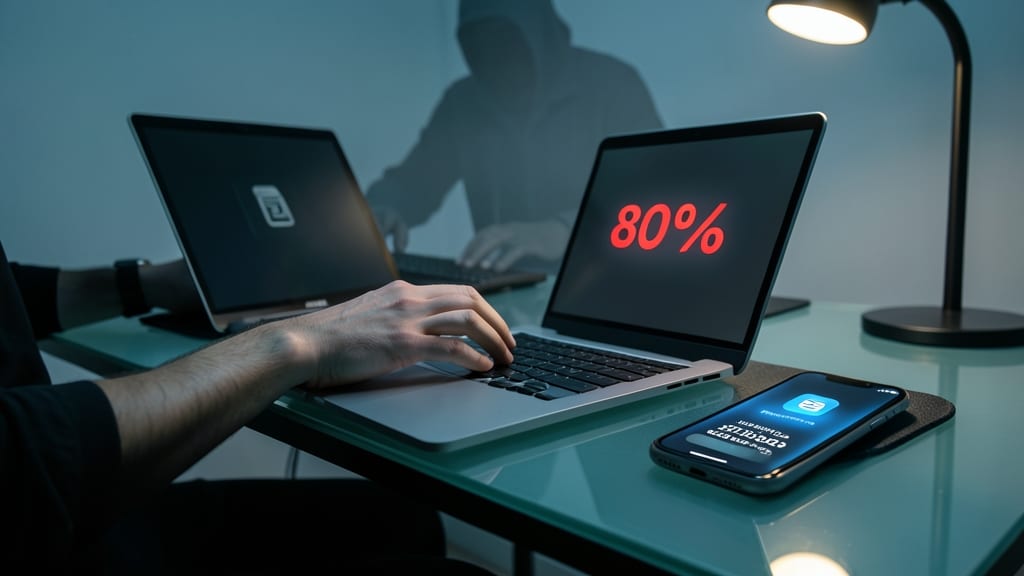
Credential stuffing attacks—where hackers reuse stolen passwords across accounts—are responsible for 80% of breaches. The simplest way to stop them? Multi-Factor Authentication (MFA) on every account, from email to banking.
MFA adds a second layer beyond passwords, like a one-time code (SMS or app-based) or biometric scan (fingerprint/face ID). Services like Google Authenticator, Duo, or Microsoft Authenticator make setup seamless, while hardware keys (like YubiKey) offer the strongest protection. Even free options reduce risks by 99%.
This is non-negotiable for remote workers—especially those handling sensitive data. Start with email and financial accounts, then expand to work tools. Your future self will thank you. ⚡
Zero-Trust Network Access for Remote Devices
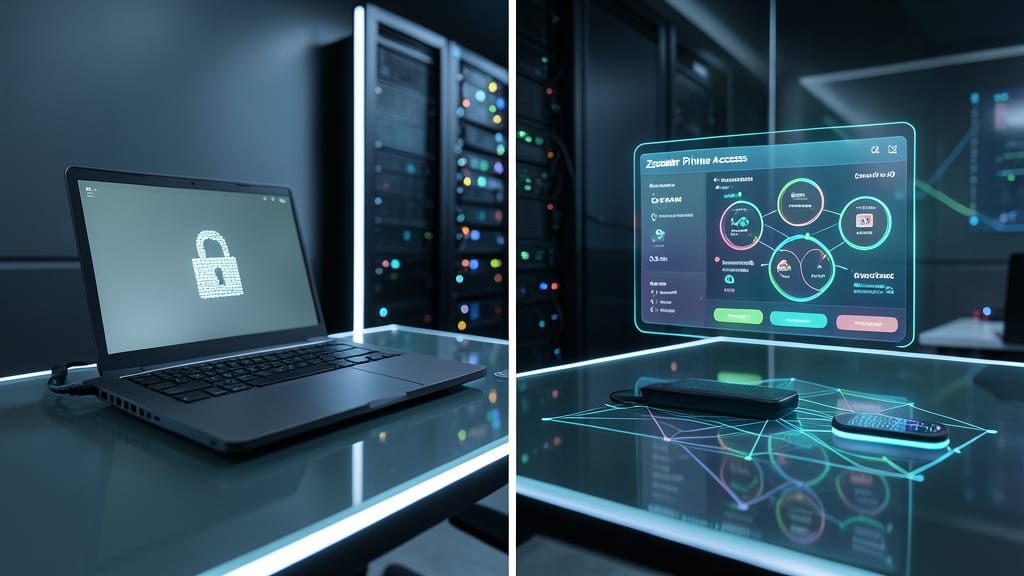
Tired of VPNs that only encrypt traffic but leave your devices vulnerable? Zero-trust network access flips the script by treating every connection—even yours—as a potential threat until proven otherwise. Solutions like Zscaler Private Access or Cloudflare Access replace traditional VPNs with granular, device-level verification, ensuring only approved endpoints with up-to-date security policies can join your network.
These protocols use continuous authentication (not just logins) and micro-segmentation to limit lateral movement—stopping attackers even if they bypass initial defenses. For remote workers, this means no more blanket trust for devices connecting from coffee shops or home offices, while maintaining seamless access to internal tools. The best part? Most modern zero-trust platforms integrate with SAML/SSO for frictionless user experiences.
Ideal for IT admins managing hybrid teams or freelancers handling sensitive client data, zero-trust eliminates the "trust but verify" paradox by making verification the default. ⚡
Endpoint Detection and Response Software
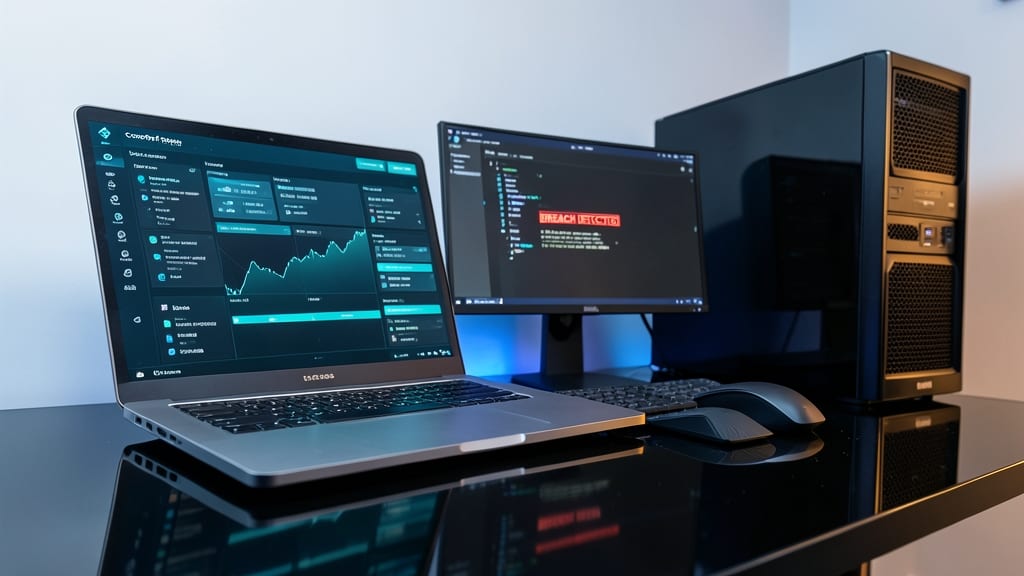
Tired of waiting until malware encrypts your files before realizing you’ve been breached? Endpoint Detection and Response (EDR) software acts like a cybersecurity guard dog for your personal devices, stopping threats in real time—before they cause damage.
Solutions like CrowdStrike Falcon or SentinelOne monitor suspicious behavior (e.g., unauthorized file encryption, unusual login attempts) and automatically isolate infected devices. They work silently in the background, requiring zero IT expertise—just install and forget. Many even include phishing simulation training to help you spot scams before clicking.
This is the perfect tool for remote workers who handle sensitive data but don’t have IT support. It’s like having a firewall with a brain that adapts to new threats daily. 💻
Secure Password Manager with Breach Monitoring
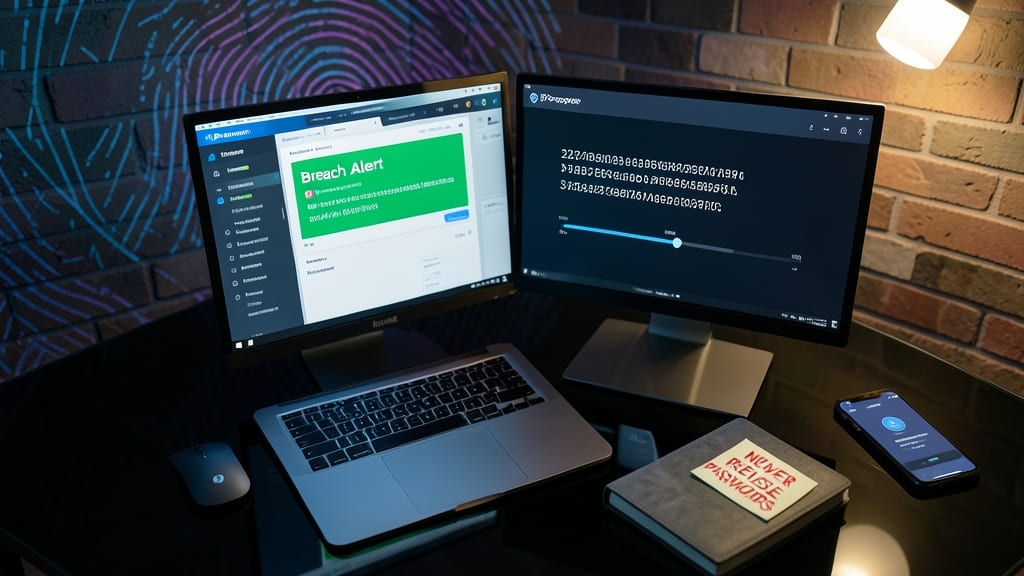
Tired of resetting passwords every time a breach hits the news? A secure password manager with breach monitoring automatically detects compromised credentials and forces updates—saving you hours of manual work while eliminating weak, reused passwords that hackers exploit.
Tools like Bitwarden or 1Password scan the dark web for exposed credentials in real time, while their autofill and generator features create 256-bit AES-encrypted passwords for every login. The best options sync across devices via end-to-end encryption, ensuring your vault stays secure even if your laptop gets stolen. Breach alerts arrive instantly via email or app notifications, so you can act before attackers do.
This is a must for remote workers juggling 100+ logins—from work accounts to personal subscriptions—who can’t afford the time or risk of password fatigue. ⚡
Encrypted Communication Tools for Sensitive Data
If your job involves sharing confidential client files, legal documents, or financial records, standard email and messaging apps leave you exposed to interception. End-to-end encrypted tools like Signal, Proton Mail, and Wickr ensure only the intended recipient can read your messages—no exceptions, even if servers are hacked.
Signal offers open-source encryption with disappearing messages, while Proton Mail provides PGP-level security for emails with a user-friendly interface. For teams, Wickr Me adds self-destructing media and group chats with 256-bit AES encryption. These tools integrate with workflows without requiring IT expertise, making them ideal for professionals who prioritize compliance over convenience.
Legal, financial, and healthcare workers handling HIPAA or GDPR-protected data should adopt these tools immediately—they’re the only way to guarantee sensitive conversations stay private. ✨
Regular OS and Browser Updates
Hackers don’t wait—once a security flaw is public, they exploit it within minutes. That’s why automating OS and browser updates is your first line of defense against zero-day attacks. Most devices now support automatic updates (Windows Update, macOS Software Update, Chrome’s auto-update), but many users disable them to avoid interruptions.
Enabling these updates patches vulnerabilities in Windows 11/10, macOS Ventura/Sonoma, and Chrome/Firefox/Edge before they’re weaponized. For example, the Log4j exploit (2021) affected millions of systems—many of which could’ve been protected by a single update. Even mobile devices need attention: iOS and Android both offer automatic security patches, but you must ensure they’re enabled.
This is non-negotiable for remote workers handling sensitive data, freelancers with client access, or anyone using shared networks. Set it and forget it—your future self (and hackers) will thank you. ⚡
Physical Security for Home Workspaces
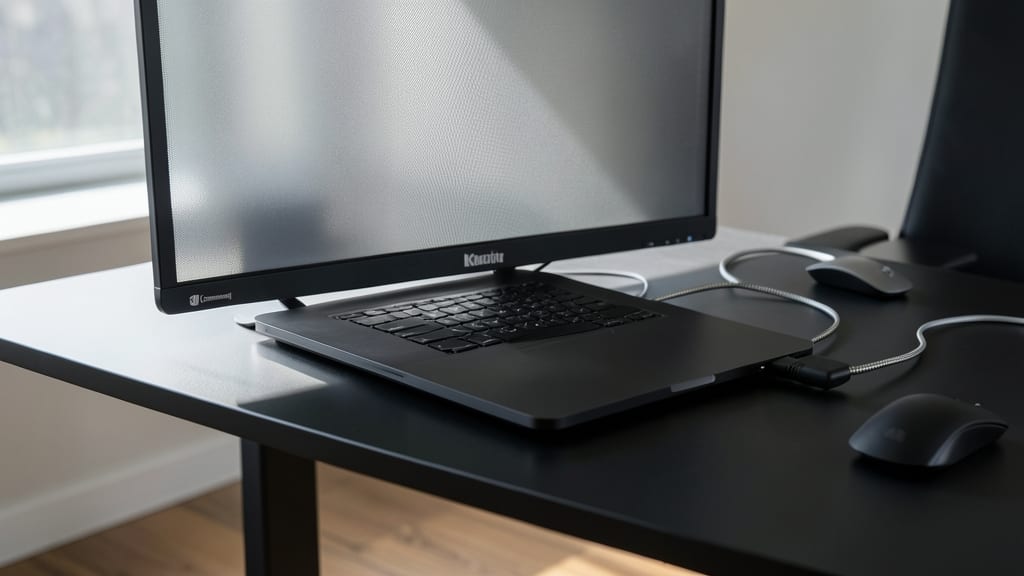
While cyber threats dominate headlines, physical security often gets overlooked—yet burglars and snoops can steal devices or spy on you just as easily as hackers can exploit software flaws. A cable lock (like the Kensington Security Slot) can deter theft in seconds, while privacy screens (such as 3M Privacy Filters) block shoulder-surfing from passersby.
Add a webcam cover (like the 3M Privacy Screen for Webcams) to prevent unauthorized surveillance, and consider a smart lock for your home office door if you work in high-risk areas. These low-cost tools create a layered defense—stopping opportunistic theft and reducing surveillance risks without sacrificing convenience.
This setup is ideal for freelancers, contractors, or anyone storing sensitive data on personal devices. A few minutes of prep can save you from both digital and physical breaches. 🔧
Secure File Sharing with Encryption Keys
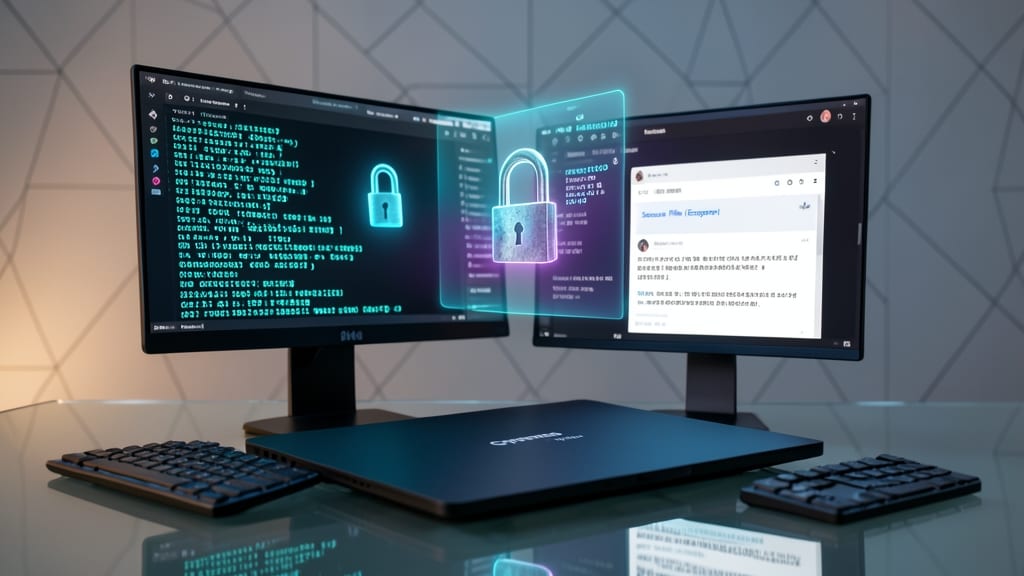
Tired of sending sensitive files via unsecured links that anyone could intercept? Tools like Cryptomator and Virtru add an extra layer by encrypting files with unique keys—meaning only recipients with the right access can decrypt them, even if the transfer is hijacked.
These solutions work with your existing cloud storage (Google Drive, Dropbox) but require recipient authentication before files are accessible. For example, Virtru lets you set expiration dates on shared files, while Cryptomator creates virtual encrypted drives that sync seamlessly. Both support AES-256 encryption, the gold standard for protecting data in transit.
Perfect for freelancers, legal professionals, or anyone sharing contracts, financials, or client data—where a single misclick could expose years of work. 🌟
Simulated Phishing Tests for Team Awareness
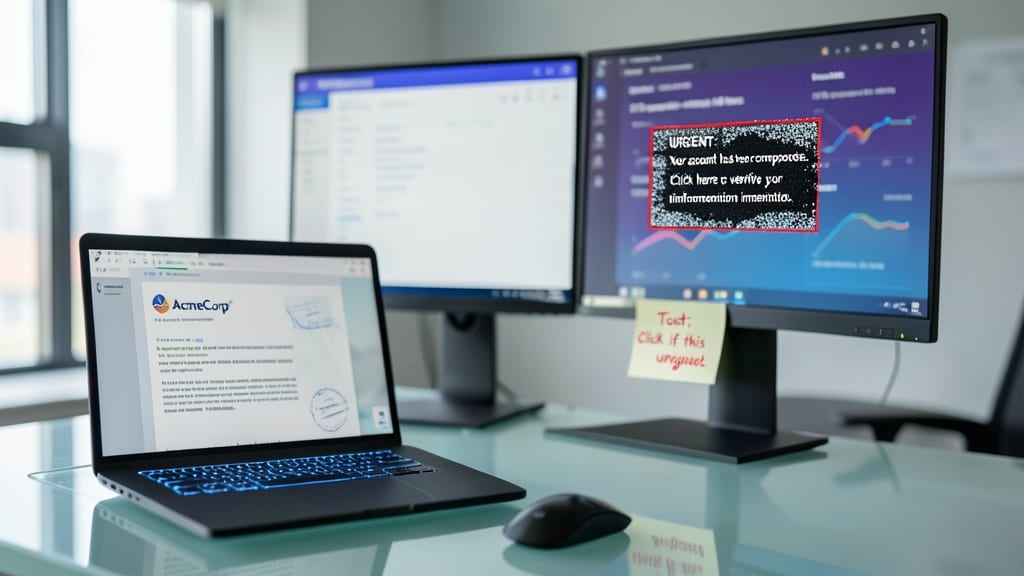
Did you know 90% of cyber breaches start with a human error—often a single clicked link? Simulated phishing tests turn your team into a human firewall by exposing them to realistic scams in a safe environment.
Platforms like KnowBe4 or PhishMe send customized, scenario-based emails (e.g., fake invoice alerts or "CEO emergencies") to measure how quickly employees recognize red flags. These tests track click rates, report vulnerabilities, and even provide real-time training modules to reinforce best practices. Most services offer quarterly campaigns with automated reporting for IT teams.
This is a must-have for remote teams handling sensitive data—finance, healthcare, or legal—where one misclick could expose client records. Start with a pilot test to see where gaps exist, then scale based on results. 💡
Automated Backup with Air-Gapped Storage
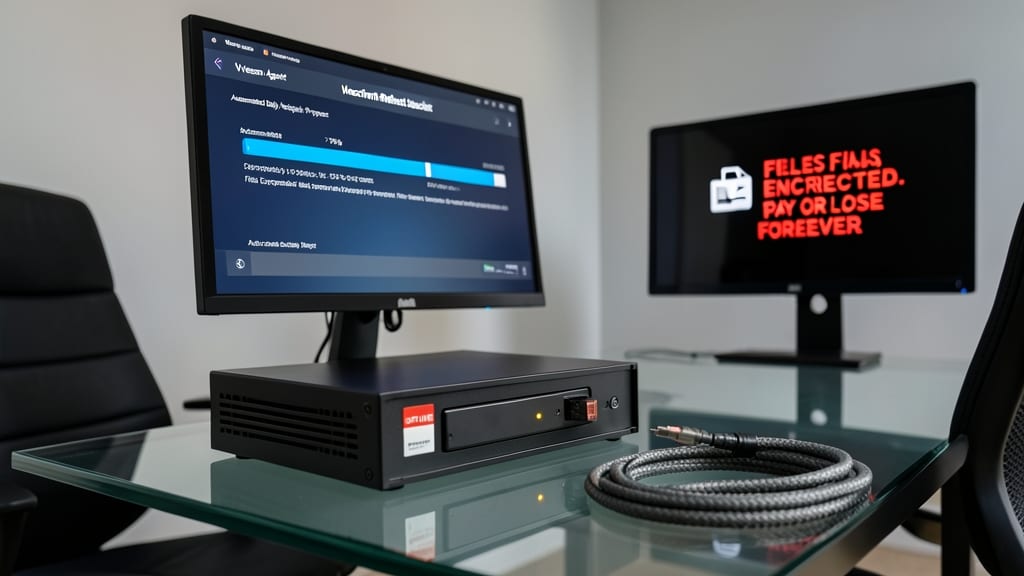
Ransomware doesn’t just lock your files—it locks them forever unless you pay. The solution? Automated daily backups to air-gapped storage, where encrypted copies sit completely offline, immune to online attacks. Tools like Veeam Agent or Macrium Reflect handle the heavy lifting, so you never have to remember to back up manually.
These tools create incremental backups (only new/changed files) and store them on a dedicated external drive or NAS unit that’s disconnected after each sync. For extra security, add AES-256 encryption—meaning even if a thief steals your backup, they can’t access your data without your password. Most solutions also include one-click restore, so recovering from an attack takes minutes, not hours.
This isn’t just for IT pros—small businesses and freelancers handling client data should prioritize this. A single air-gapped backup could save thousands in ransom payments and lost productivity. 💪