Skip to content
PDF How-To

PDF How-To

  • All Articles
  • App
  • Coding
  • Hardware
  • More
    • Operating System
    • Outlook
    • PowerPoint
    • Review
    • Software
    • Tip & Trick
    • Troubleshooting
    • Windows

Tip & Trick — Page 3

How to Set up Odbc Connection: Step-by-Step Visual Guide for Smooth Data Linking
October 13, 2026 by Sheldon Lockhart
How to Set up Odbc Connection: Step-by-Step Visual Guide for Smooth Data Linking

Setting up an ODBC connection is the bridge between your apps and databases—whether you're pulling SQL data into Excel or connecting a legacy system to modern tools. ⚡ I’ve configured these connections for everything…

Read more

Categories Tip & Trick

How To Set Up Thunderbird Email: Step-by-Step Visual Guide for Beginners

October 13, 2026 by Sheldon Lockhart
How To Set Up Thunderbird Email: Step-by-Step Visual Guide for Beginners

Setting up Thunderbird email saved me from the bloated web interfaces I'd grown tired of—it's the last desktop client I trust for my inbox. ⚡ The process takes about 15 minutes if you follow along, and once configured…

Read more

Categories Tip & Trick

How to Set up Voice Recognition: Hassle-Free Activation in 3 Simple Clicks

October 7, 2026 by Sheldon Lockhart
How to Set up Voice Recognition: Hassle-Free Activation in 3 Simple Clicks

Setting up voice recognition used to feel like wrestling a cat—until I figured out the right sequence. My first attempt with Windows Speech Recognition took three hours of frustration, but now I’ve distilled it down to a…

Read more

Categories Tip & Trick

Android Voicemail Setup: Quick Guide for Any Phone Model

October 13, 2026 by Sheldon Lockhart
Android Voicemail Setup: Quick Guide for Any Phone Model

Learn how to set up voicemail on Android in under five minutes—whether you’re using a Google Pixel, Samsung Galaxy, or any other phone. 💡 I’ve guided countless users through it, and the steps are surprisingly simple…

Read more

Categories Tip & Trick

Stop Automatic Downloads: Turn Off the Feature in Seconds

November 23, 2026 by Sheldon Lockhart
Stop Automatic Downloads: Turn Off the Feature in Seconds

Here’s how to turn off automatic downloads on Windows 11—my laptop’s fan finally got a break after just one tweak. 💡 The feature is convenient, but it’s also the reason my laptop fan sounds like a jet engine when I’m…

Read more

Categories Tip & Trick

How To Uninstall Trend Micro On Mac: Zero-Leftovers Cleanup in 5 Steps

October 13, 2026 by Sheldon Lockhart
How To Uninstall Trend Micro On Mac: Zero-Leftovers Cleanup in 5 Steps

My first time uninstalling Trend Micro from a Mac left behind more files than I’d like to admit—hidden LaunchAgents, kernel extensions, and leftover preferences that kept popping up. ⚡ Since then, I’ve refined this…

Read more

Categories Tip & Trick

How to Use Voice to Text on Android: Hands-Free Dictation in Seconds

November 23, 2026 by Sheldon Lockhart
How to Use Voice to Text on Android: Hands-Free Dictation in Seconds

Learning how to use voice-to-text on Android back in my uncle’s basement workshop in 1998—though we called it "speech recognition" and it sounded like a robot with a cold. Today, it’s hands-free dictation in seconds…

Read more

Categories Tip & Trick

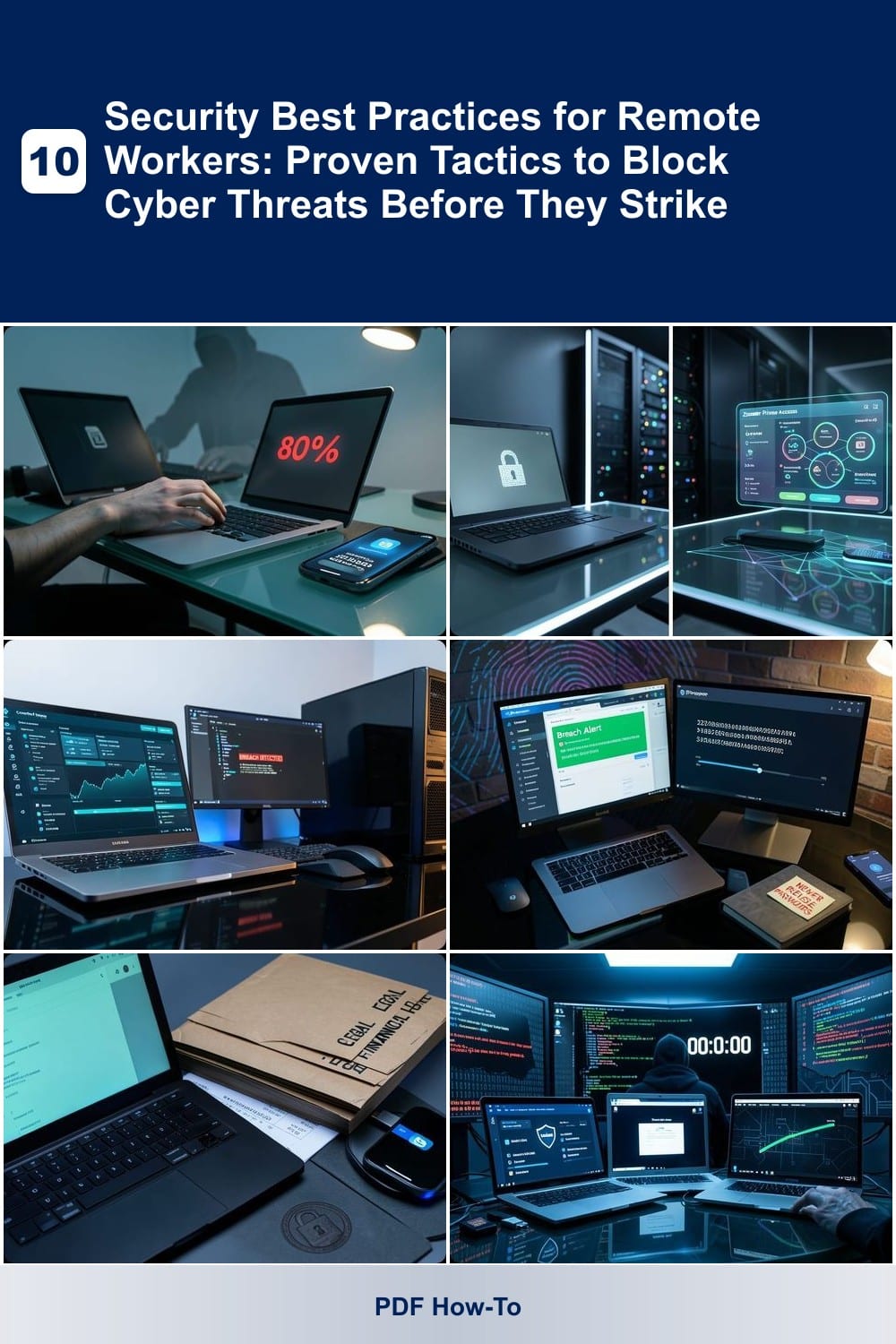
10 Security Best Practices for Remote Workers: Proven Tactics to Block Cyber Threats Before They Strike

October 13, 2026 by Sheldon Lockhart
10 Security Best Practices for Remote Workers: Proven Tactics to Block Cyber Threats Before They Strike

Remote work expands your digital footprint—but also your cybersecurity risks. These 10 proven security best practices will help you lock down devices, data, and networks before hackers exploit vulnerabilities, whether…

Read more

Categories Tip & Trick

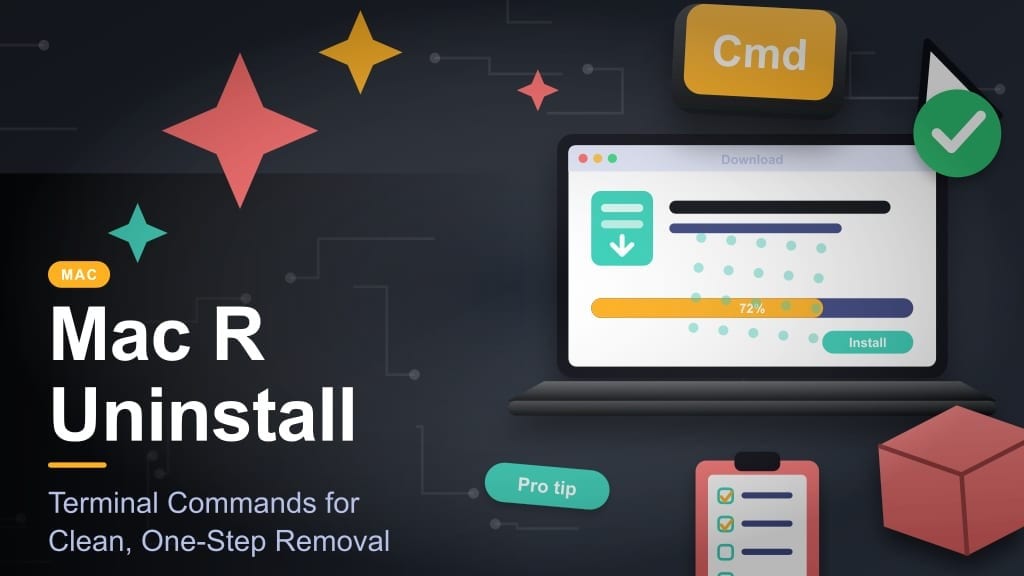
Mac R Uninstall: Terminal Commands for Clean, One-Step Removal

November 24, 2026 by Sheldon Lockhart
Mac R Uninstall: Terminal Commands for Clean, One-Step Removal

Uninstalling R from your Mac can feel like digging out old screws—what looks simple often hides stubborn remnants. ⚡ I’ve removed R from more machines than I can count, and the cleanest method avoids leaving behind…

Read more

Categories Tip & Trick

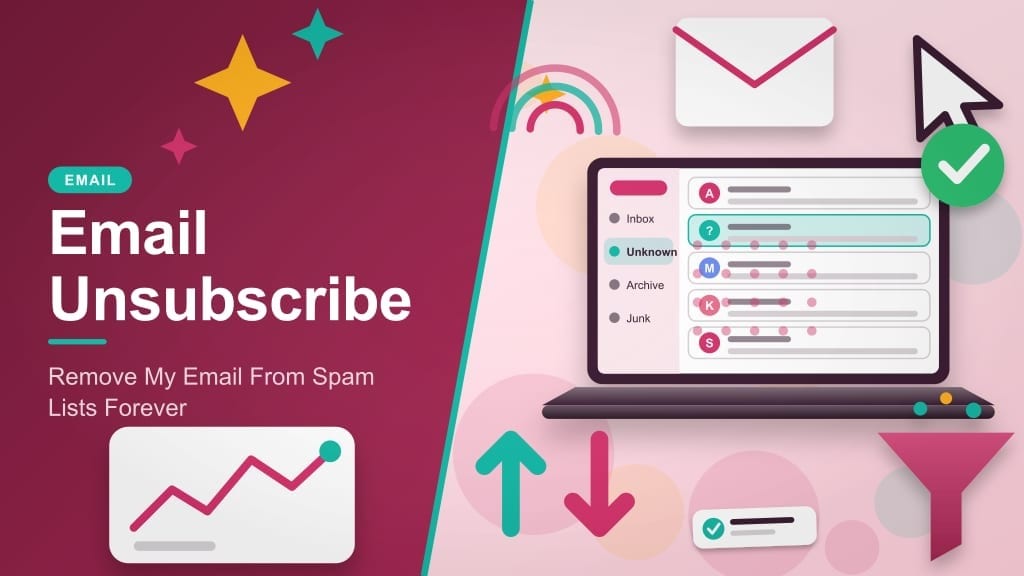
Email Unsubscribe: Remove My Email From Spam Lists Forever

November 24, 2026 by Sheldon Lockhart
Email Unsubscribe: Remove My Email From Spam Lists Forever

Removing my email from spam lists is the first step to reclaiming my inbox after months of frustration. ✨ I’ve spent hours sorting through promotional junk and phishing traps—only to realize the real fix starts with…

Read more

Categories Tip & Trick
Page1Page2Page3Page4Next →

About Me

Sheldon Lockhart

Sheldon Lockhart
My first computer was a clunky desktop my dad built from spare parts in his garage, and I spent hours tinkering with it—even if half the time it just made weird noises. That curiosity never left me. Now, I run this site to break down tech into clear, practical steps, whether you're troubleshooting a stubborn software glitch or just trying to figure out why your Wi-Fi keeps dropping. My approach? No jargon, no fluff—just the straightforward answers you need to get things working right.

Learn more

Recent Posts

  • Automatically Download Bank Transactions to Excel: No-Code Sync in Minutes
    Automatically Download Bank Transactions to Excel: No-Code Sync in Minutes
  • Internet Explorer 11 Download: Legacy Browser Fix for Windows 7 PCs
    Internet Explorer 11 Download: Legacy Browser Fix for Windows 7 PCs
  • How to Set Up Auto Forward in Outlook: Step-by-Step Guide for Seamless Email Redirection
    How to Set Up Auto Forward in Outlook: Step-by-Step Guide for Seamless Email Redirection
  • Downloading Pics From Camera To Computer: Instant Transfer Without a Single Cable
    Downloading Pics From Camera To Computer: Instant Transfer Without a Single Cable
  • How to Create a Multilevel List in Powerpoint: Pro-Level Hierarchy in Minutes
    How to Create a Multilevel List in Powerpoint: Pro-Level Hierarchy in Minutes
  • All Guides
  • About
  • Contact
  • Privacy Policy
  • Cookie Policy
  • Terms of Use
© 2026 pdfhowto.website