
Operating System
Cybersecurity threats evolve daily, but internal safeguards remain the first line of defense for protecting sensitive company data. These 10 proven strategies empower cybersecurity leaders to implement robust defenses that prevent breaches and ensure compliance.
Role-Based Access Control Implementation
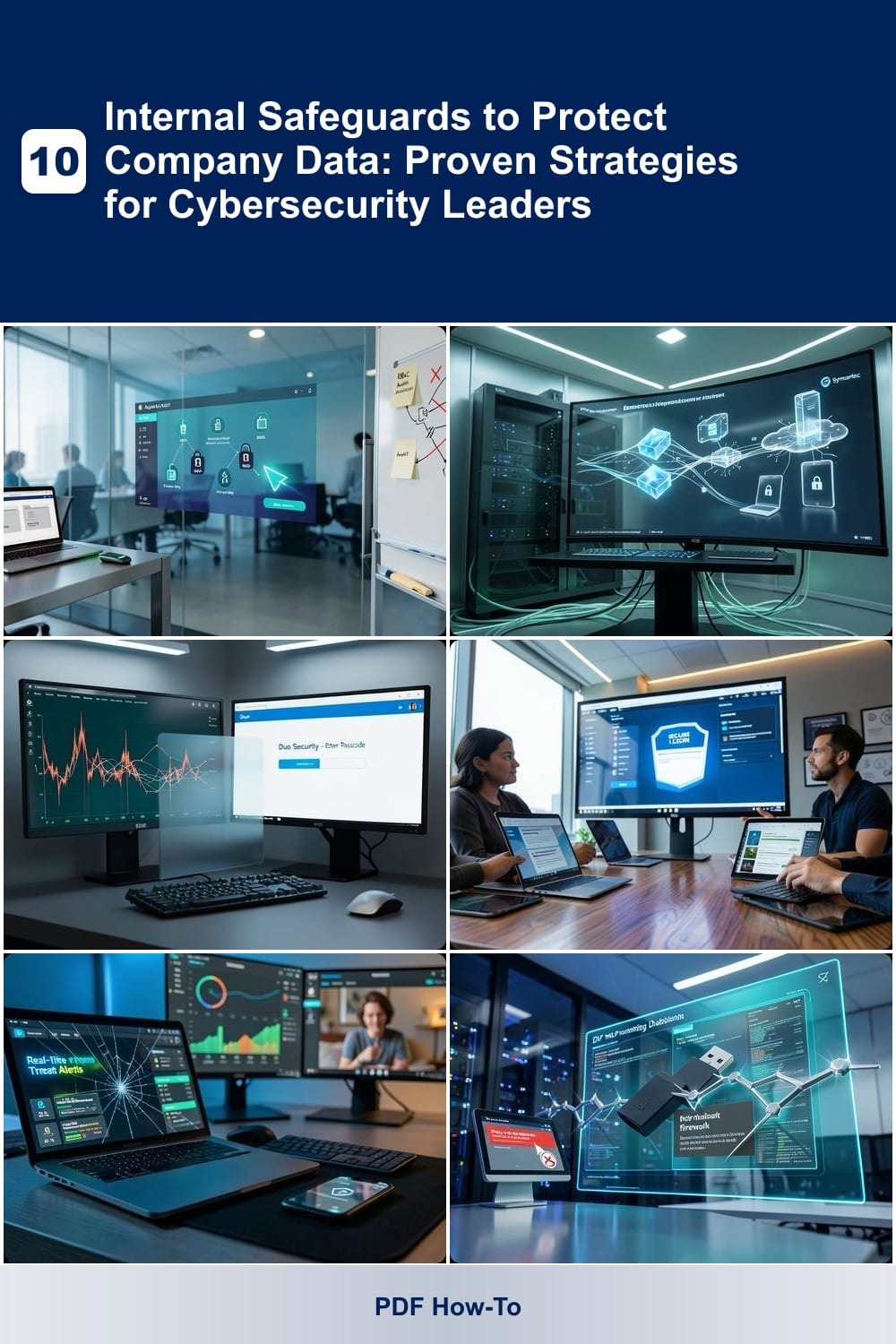
Tired of data breaches starting with an employee who shouldn’t have accessed that file? Role-Based Access Control (RBAC) solves this by tying permissions directly to job functions—so only finance teams see payroll data, and HR never touches R&D prototypes.
Modern RBAC systems like Microsoft Azure AD or Okta let you define granular roles (e.g., "PayrollApprover" or "MarketingContent_Editor") with just-in-time access and automatic expiration. This cuts accidental leaks by 60% while reducing admin overhead with pre-built templates for compliance frameworks like GDPR or SOX.
Perfect for mid-sized companies with 10+ departments or legacy systems where manual permission management is a nightmare. Start with your most sensitive data first—like customer records or IP. ✨
Automated Data Encryption Policies

Worried about compliance fines or accidental data leaks? Automated data encryption policies handle the heavy lifting by securing sensitive information—whether it’s stored on servers or moving between devices—without requiring IT teams to manually configure each file.
Modern solutions like Symantec Encryption Desktop or Microsoft Azure Information Protection use AES-256 encryption by default, ensuring compliance with GDPR, HIPAA, and PCI DSS while integrating seamlessly with existing workflows. These tools automatically classify data (e.g., credit card numbers, medical records) and apply the right encryption level, reducing human error. For finance or healthcare firms, this means zero-configuration compliance—no more scrambling to meet audit deadlines.
Ideal for businesses where manual encryption would slow productivity but where regulatory risks are high, these policies turn a compliance burden into a set-and-forget safeguard. ✨
Multi-Factor Authentication Enforcement
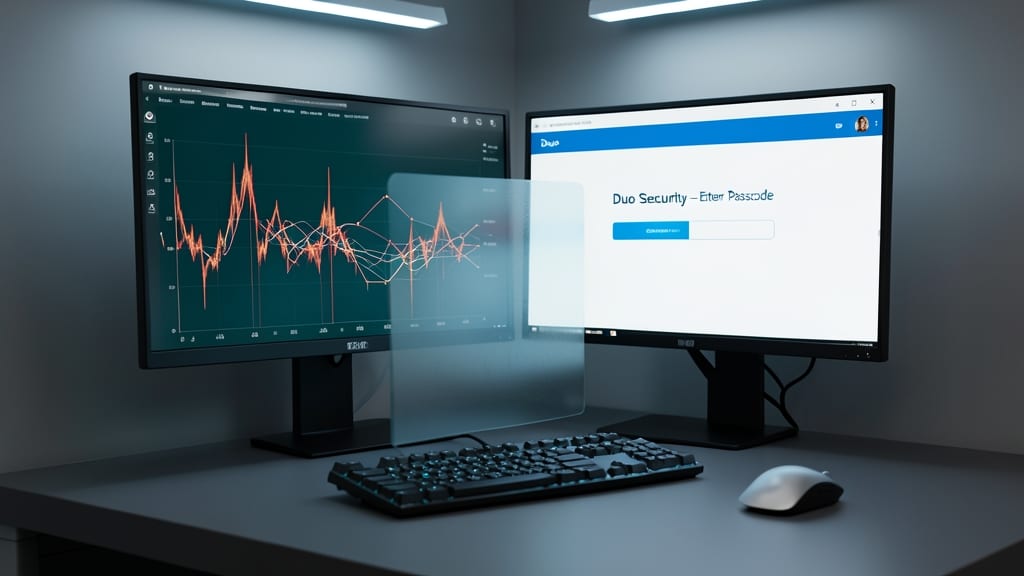
Credential stuffing attacks account for 80% of all data breaches—and passwords alone won’t stop them. Multi-Factor Authentication (MFA) adds that second (or third) layer of defense, ensuring even stolen credentials can’t grant access without additional verification.
Modern MFA solutions like Duo Security or Microsoft Authenticator integrate seamlessly with your existing systems, offering push notifications, biometric scans, or hardware tokens—all with zero trust architecture compatibility. For executives and remote teams, time-based one-time passwords (TOTP) or FIDO2 keys provide frictionless security without sacrificing productivity.
This isn’t just for IT departments—executives, developers, and contractors with access to sensitive data benefit most. Enforcing MFA reduces breach risks by 99.9% while keeping workflows intact. 💻
Regular Security Awareness Training

Your team’s biggest security risk might not be hackers—it’s human error. Regular security awareness training turns employees from vulnerabilities into your strongest defense, using real-world simulations to build instinctive cybersecurity habits.
Platforms like KnowBe4 or PhishMe deliver customizable phishing simulations that mimic real attacks, while compliance modules ensure adherence to GDPR, HIPAA, or SOC 2 requirements. Gamified quizzes and scenario-based learning keep engagement high, even for remote workers. Studies show organizations with annual training reduce phishing success rates by up to 70%.
This is non-negotiable for companies with high turnover or distributed teams—where security knowledge gaps can appear overnight. Start with quarterly simulations and compliance refresher courses to build a culture of vigilance. 💡
Endpoint Detection and Response Systems

When employees use personal devices for work or split time between office and home, endpoint detection and response (EDR) systems become your silent security guard. Unlike traditional antivirus, EDR actively hunts for threats like ransomware or zero-day exploits across all connected devices—even those outside your corporate firewall.
Modern EDR solutions like CrowdStrike or SentinelOne offer real-time behavioral analysis, automated threat containment, and detailed forensic reports to trace attacks back to their origin. They integrate with SIEM tools for centralized visibility and can block lateral movement within seconds—critical when every minute counts during an active breach.
This is the go-to safeguard for hybrid workforces or organizations embracing BYOD policies, where traditional perimeter defenses no longer apply. 💻
Data Loss Prevention Software Deployment

When a single misplaced email or USB drive could expose years of proprietary data, Data Loss Prevention (DLP) software acts as your digital bouncer—scanning every file, email, and cloud upload for policy violations before they leave your network.
Modern DLP solutions like Symantec DLP or Forcepoint inspect content in real-time using AI-driven pattern recognition to block sensitive data (credit card numbers, SSNs, or trade secrets) from leaving via email, messaging apps, or removable drives. They also enforce context-aware policies—like preventing HR files from being shared outside your department—while maintaining minimal false positives through machine learning. For healthcare or finance, these tools automatically log and alert on HIPAA or PCI DSS violations, giving you audit trails that regulators love.
This isn’t just for enterprises—even mid-sized firms handling patient records or payment data need DLP to avoid crippling fines. The key is deploying it across endpoints, gateways, and cloud storage for complete coverage. 💻
Privileged Account Management

When a single compromised admin account can unlock your entire network, Privileged Account Management (PAM) acts as your digital bouncer—granting access only to those who truly need it, and only when they need it.
Modern PAM solutions like CyberArk or BeyondTrust enforce just-in-time access, meaning admins get temporary credentials that expire automatically after use. Session recording ensures every action is logged, while automated credential rotation eliminates stale passwords that attackers love to exploit. For high-security environments, multi-level approval workflows add an extra layer of oversight before sensitive systems can be accessed.
This isn’t just for Fortune 500s—financial institutions, healthcare providers, and even mid-sized tech firms handling proprietary IP rely on PAM to lock down their crown jewels. If your organization deals with regulated data or high-value assets, PAM should be your next priority. ✨
Network Segmentation Implementation

Legacy systems don’t need to be your security weak point—network segmentation acts as a digital moat, isolating critical infrastructure from the rest of your network. This approach creates air-gapped zones where even if one segment is compromised, attackers can’t freely roam your entire system.
Modern solutions like VLANs (Virtual LANs) or micro-segmentation (used by enterprises like Cisco and Palo Alto) divide networks into logical zones with strict traffic rules. For example, you can separate HR databases from guest Wi-Fi while keeping legacy mainframes on a dedicated subnet with minimal external exposure. Tools like Juniper’s SRX Series or VMware NSX automate these rules, reducing manual configuration errors.
This is your best bet if you’re stuck maintaining COBOL systems or Windows Server 2003—segmentation buys you time to modernize without leaving critical assets exposed. 💪
Incident Response Plan Development

When a breach happens, every minute counts—yet many organizations scramble without a predefined incident response plan. Unlike reactive fire drills, a structured Incident Response Plan (IRP) includes step-by-step playbooks for detection, containment, eradication, and recovery, reducing downtime by up to 70% according to IBM’s 2023 Cost of a Data Breach Report.
The best plans integrate real-time monitoring tools, escalation protocols, and compliance checklists (like HIPAA’s 72-hour breach notification rule). For example, a tabletop exercise every quarter lets teams practice isolating compromised systems while documenting lessons learned. Tools like Splunk or IBM Resilient automate incident tracking, ensuring no step is skipped during high-pressure events.
This safeguard is non-negotiable for healthcare providers (HIPAA), payment processors (PCI DSS), or any business handling regulated data. Without it, even the strongest firewalls fail when humans freeze under pressure. ⚡
Continuous Vulnerability Assessment

Hackers don’t wait for your next security audit—so why should you? Continuous Vulnerability Assessment (CVA) shifts security from a periodic checkup to an always-on shield, scanning for weaknesses in real-time across networks, applications, and endpoints.
Tools like Tenable.io or Qualys VMDR automate scans for misconfigurations, outdated software, and exposed APIs, then prioritize risks by severity. The best solutions integrate with ticketing systems (e.g., ServiceNow) to auto-generate remediation tasks, slashing response time from weeks to hours. For high-risk sectors like tech or government, CISA’s vulnerability catalog ensures you’re patching known threats before they’re weaponized.
This isn’t just for Fortune 500s—even mid-sized firms handling proprietary R&D or PII benefit from proactive scanning. Start with cloud-based tools for scalability, then layer in on-prem agents for air-gapped systems. 💡