Operating System
Struggling to stay organized across work, school, and personal tasks? These 10 free OneNote planner templates for 2023 transform your digital notebook into a customizable command center for productivity, with designs tailored to every lifestyle and workflow.
Minimalist Weekly Work Planner
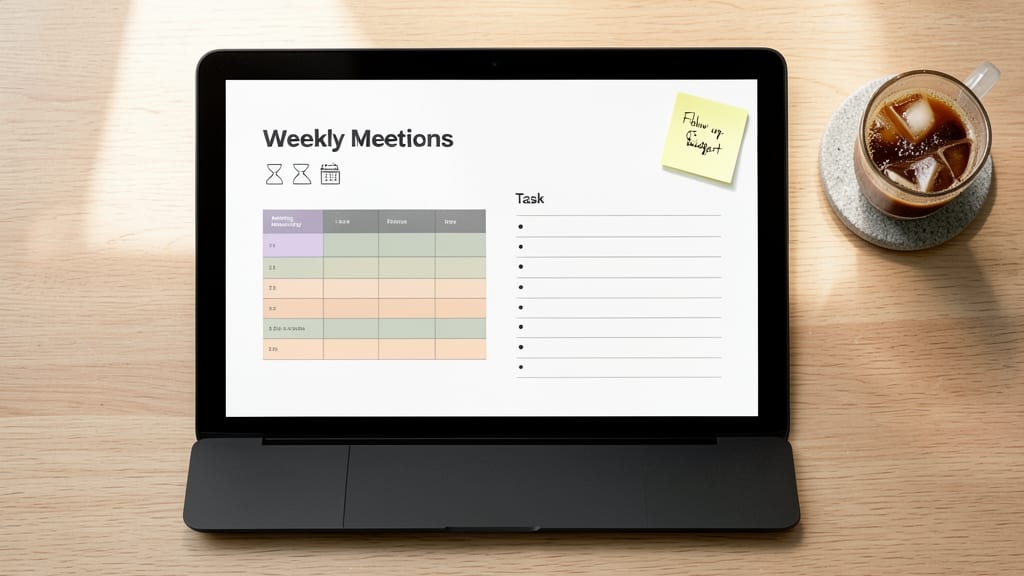
Drowning in cluttered digital to-do lists? The Minimalist Weekly Work Planner for OneNote strips away the noise with a single-page, distraction-free layout designed for professionals who thrive on simplicity.
This template features three dedicated sections: a color-coded meeting tracker (with time slots and attendees), a deadline timeline (sorted by priority), and a project dashboard (with progress bars). Built for Microsoft 365 integration, it syncs seamlessly across devices and supports OneNote’s ink tools for handwritten notes or digital annotations. The neutral color palette ensures zero eye strain during back-to-back meetings.
Perfect for knowledge workers, managers, or freelancers who want to focus on output—not organization. Download it directly from Microsoft’s official template gallery for zero-config setup. ✨
Student Academic Planner with GPA Tracker
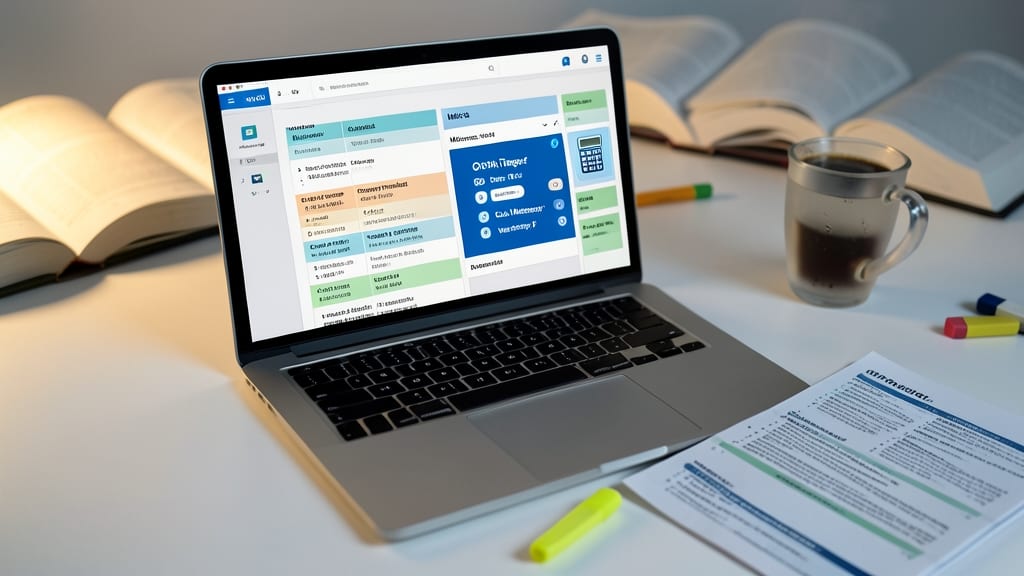
Juggling midterms, group projects, and club meetings? This Student Academic Planner with GPA Tracker turns OneNote into your academic command center—no more lost syllabi or last-minute grade surprises.
Built for college life, it includes a dedicated GPA calculator that auto-updates as you input grades, plus color-coded sections for assignments, exams, and deadlines. The drag-and-drop grade tracker lets you see your semester progress at a glance, while sticky notes keep extracurricular commitments visible. Best of all, it syncs across Windows, Mac, and mobile so you’re never without your academic roadmap.
Perfect for undergrads balancing heavy course loads or grad students tracking research milestones—this template helps you stay ahead without the stress. ✨
Bullet Journal Hybrid Planner
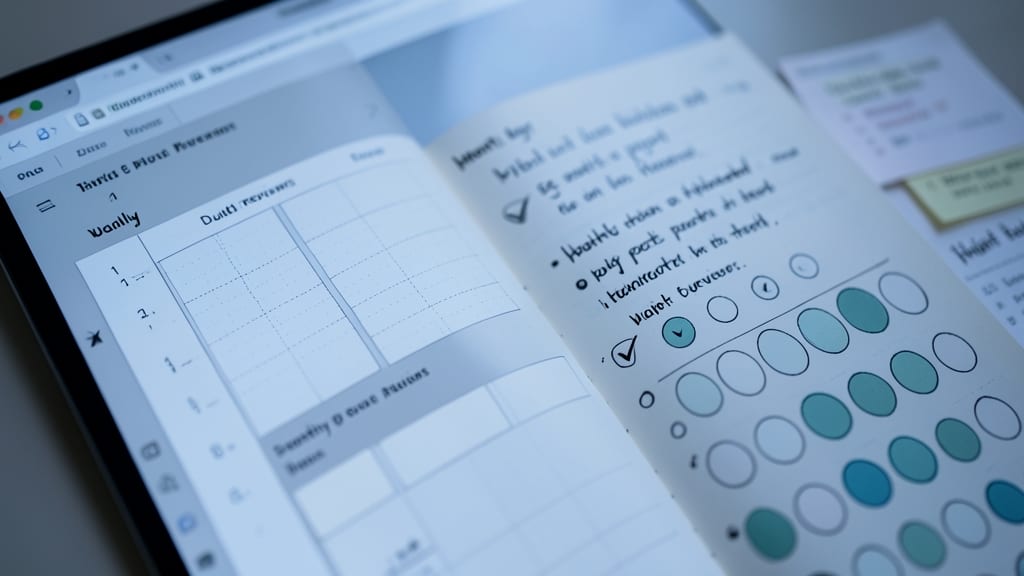
Love the tactile feel of a bullet journal but need the flexibility of digital tools? This Bullet Journal Hybrid Planner merges the best of both worlds—rapid logging, habit trackers, and monthly overviews—all in OneNote’s intuitive interface.
You get customizable sections for daily logs, weekly reviews, and goal tracking, plus ink-style digital notes that mimic handwriting. The template includes color-coded habit trackers and a monthly calendar layout, making it easy to visualize progress without sacrificing digital convenience.
Perfect for creatives, freelancers, or anyone who thrives on structured yet flexible planning. 💡
Project Management Kanban Board
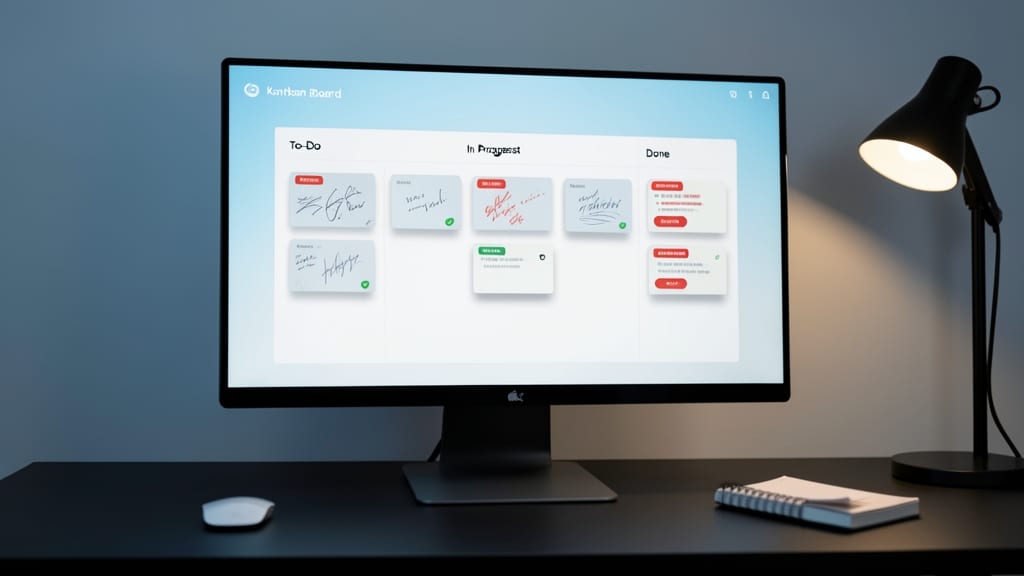
If you’re drowning in tasks but love the simplicity of OneNote, this Project Management Kanban Board template turns your notebook into a visual command center. Designed for agile workflows, it replaces sticky notes with digital task cards you can drag between To-Do, In Progress, and Done columns—no extra apps needed.
The template includes customizable task cards with priority labels, due dates, and checklists, all synced across Windows, Mac, and mobile. Freelancers can track client projects, developers can manage sprints, and teams can collaborate in real time using OneNote’s sharing features. The minimalist design keeps distractions away while boosting focus.
Perfect for solo creators or small teams who want zero-config agile tracking without switching tools. Grab it for free and watch your workflow transform. ✨
Health and Fitness Tracker
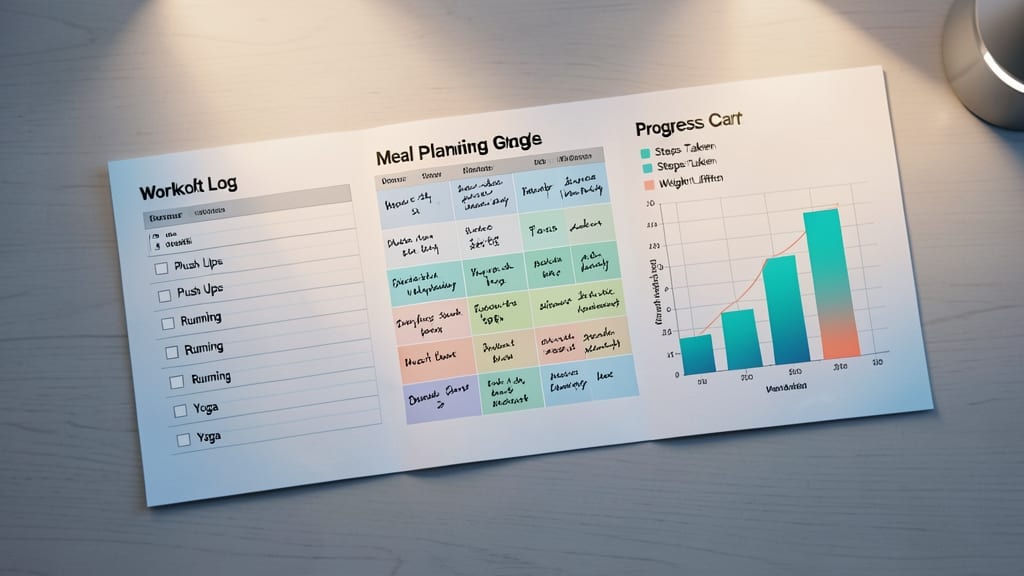
If you’ve ever struggled to stick to a fitness routine or track your wellness progress, this Health and Fitness Tracker template brings structure to your goals—without the guesswork. Designed specifically for OneNote, it combines workout logs, meal planning, and progress charts in one place, so you can see your hard work pay off visually.
The template includes customizable workout trackers for strength training, cardio, and flexibility, plus a meal planner with calorie counters and grocery lists. Built-in progress charts automatically update as you log data, while motivational quotes keep you inspired during tough workouts. The sleek design syncs seamlessly across Windows, Mac, and mobile, so your progress stays with you everywhere.
Perfect for gym-goers, runners, or anyone committed to healthier habits, this template turns vague goals into actionable steps. Whether you’re training for a marathon or just trying to eat better, it’s your digital accountability partner. 💪
Family Meal and Grocery Planner
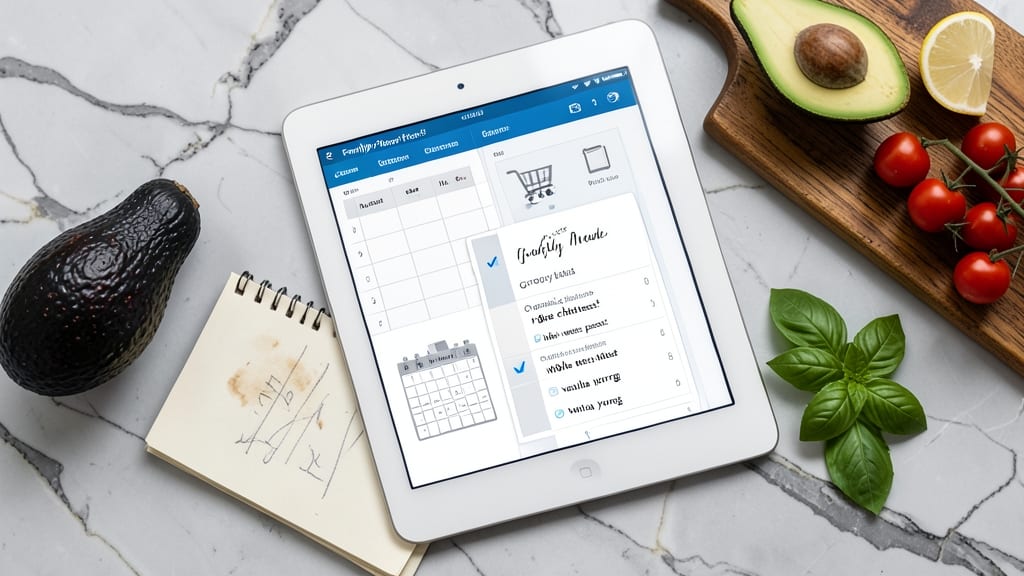
Tired of last-minute grocery runs and forgotten meal plans? This Family Meal and Grocery Planner template streamlines your weekly routine with pre-built meal grids, recipe cards, and customizable grocery lists—all in one digital notebook.
You’ll get reusable templates for meal planning, a shopping checklist generator, and even nutritional info for quick reference. The drag-and-drop meal scheduler lets you swap recipes in seconds, while the color-coded grocery list ensures nothing gets left behind at the store. Best of all, it syncs across Windows, Mac, and mobile for family-wide access.
Perfect for busy parents, roommates, or anyone cooking for multiple people, this template cuts prep time by 40% while keeping your fridge stocked and waste minimal. ✨
Travel Itinerary Organizer
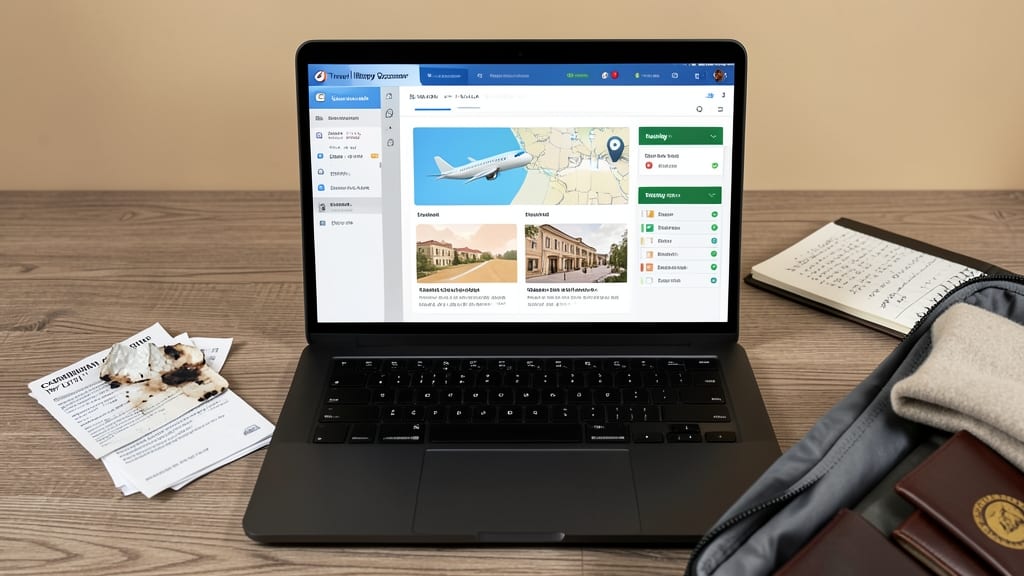
Tired of digging through email confirmations and crumpled boarding passes mid-trip? The Travel Itinerary Organizer template keeps every detail—flights, hotels, packing lists, and daily schedules—in one searchable digital notebook, so you never miss a connection or forget essentials again.
This template includes dedicated sections for flight confirmations (with e-ticket numbers), hotel reservations (including check-in times), a customizable packing checklist, and a day-by-day itinerary with local recommendations. The tabbed layout ensures quick access, while OneNote’s built-in search lets you find details instantly—no more frantic last-minute scrambling.
Perfect for road warriors, digital nomads, or anyone planning a multi-city trip. Sync it across devices and access updates on the go—because even the most organized traveler deserves peace of mind. ✨
Habit Tracker with Gamification
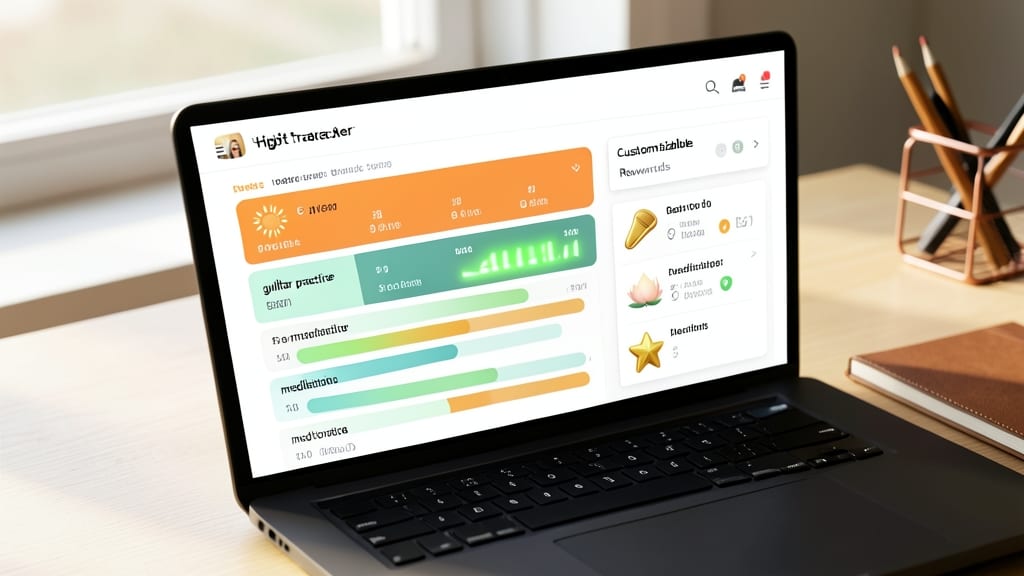
Tired of forgetting to practice guitar or meditate? This Habit Tracker with Gamification turns your daily routines into an engaging game—complete with progress bars, streak counters, and customizable rewards to keep you motivated.
Designed for OneNote, it includes color-coded habit categories (like reading, fitness, or language learning), visual progress bars to track consistency, and streak badges that unlock when you hit milestones. The template even lets you set personal rewards for hitting goals, making accountability fun. Best of all, it syncs across Windows, Mac, and mobile so you can track habits on the go.
Perfect for students, professionals, or anyone who wants to build lasting habits without the guilt of missed days. 💪
Minimalist Daily Planner with Time Blocking
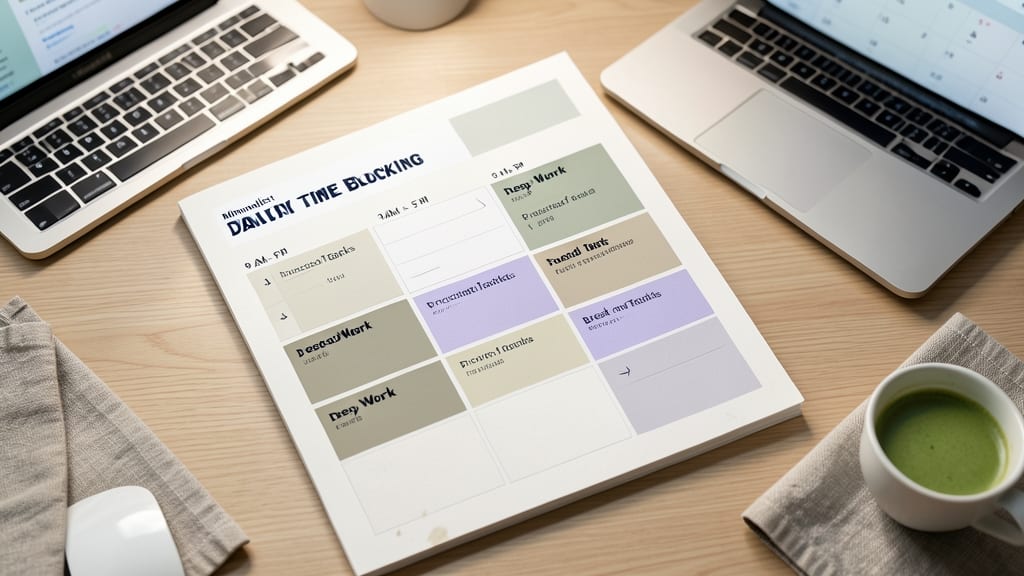
If you’re drowning in a to-do list but struggling to focus, this Minimalist Daily Planner with Time Blocking is your digital lifeline. Designed for knowledge workers, it carves your day into structured blocks—deep work sessions, focused tasks, and intentional breaks—so you can finally tackle high-priority work without distractions.
The template includes pre-formatted time slots (e.g., 9 AM–11 AM: Deep Work, 2 PM–3 PM: Meetings) with customizable labels for priorities, deadlines, and notes. A built-in Pomodoro timer integration (via OneNote’s quick notes) keeps you on track, while a daily reflection section helps you adjust for tomorrow. Best of all, it syncs seamlessly across OneNote for Windows, Mac, and mobile—no extra apps needed.
Perfect for developers, writers, or managers who thrive on structure but hate rigid schedules. Try it to reclaim control over your day—one focused block at a time. ✨
Creative Writer’s Story Planner
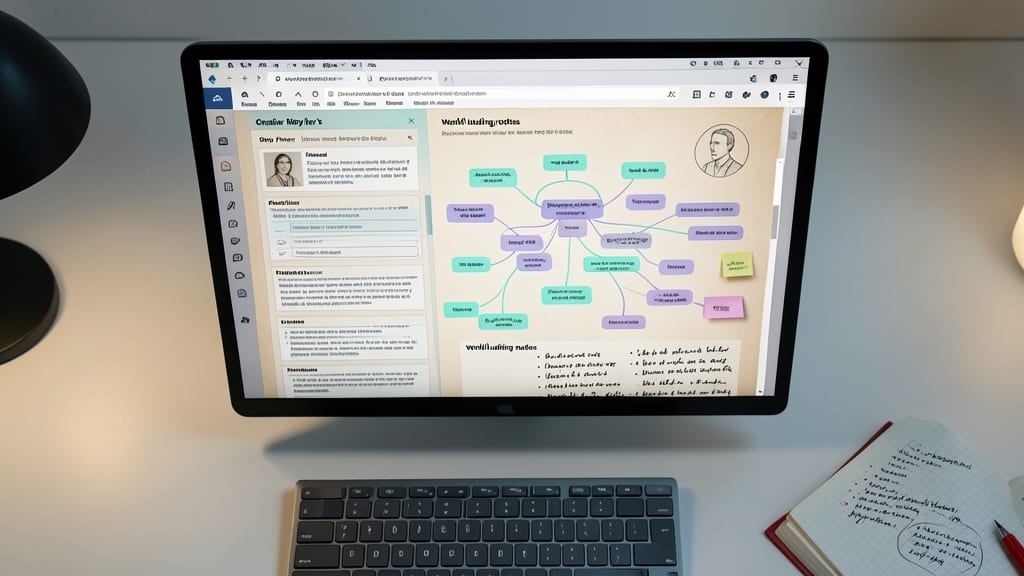
If you’ve ever lost track of character backstories mid-novel or scrambled to outline chapters last-minute, this Creative Writer’s Story Planner is your digital lifesaver. Built specifically for OneNote, it merges character profile templates, chapter outline sections, and world-building notes into one seamless workspace—no jumping between apps required.
The template includes pre-formatted pages for protagonist/antagonist details (with fields for motivations, flaws, and relationships), plot structure charts (using Three-Act or Snowflake Method frameworks), and interactive checklists for research notes. Drag-and-drop functionality lets you rearrange scenes effortlessly, while ink annotations mimic the tactile feel of scribbling on paper—ideal for visual thinkers.
Perfect for novelists, screenwriters, or even game designers mapping questlines, this template syncs across OneNote for Windows, Mac, and mobile so your story stays with you. Download it to turn chaotic ideas into a polished manuscript—one tab at a time. ✨